Order
View
Sign in to comment.
TL;DR of the post, generated automatically.
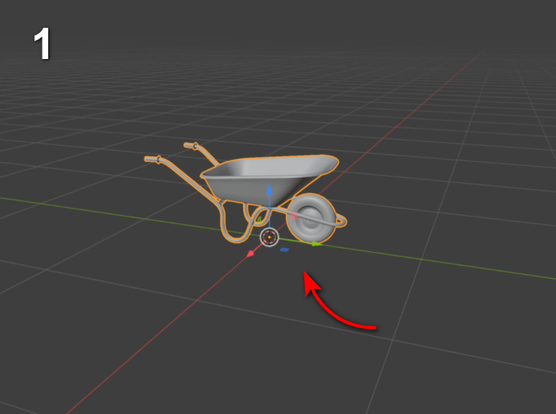
Blender to Unity export steps, from a Unity webinar, shared as a Mastodon post.
Sign in to comment.
TL;DR of the post, generated automatically.
Blender to Unity export steps, from a Unity webinar, shared as a Mastodon post.